Everything you need to know before your first job.
Five short steps from export to delivery. Here's exactly what happens from the moment you submit to the moment you deliver.
What you’ll need.
3,000 edited images
From weddings you have already finished, however many that takes. This is the one-time part: we train your profile on your own work so every job after it comes back looking like you edited it. Most photographers have this sitting in Lightroom already.
Lightroom Classic
Our entire process is built around Lightroom's Smart Preview and catalog export system. If you shoot and deliver using Lightroom Classic, you're ready.
Cloud storage
Dropbox, Google Drive, or WeTransfer. You upload your files to your own account and share the link with us. We never store your files.
Step by step.
Five short steps from export to delivery. None of them take long.
Export your Smart Previews
In Lightroom Classic, create a collection of the images from your shoot. Select all, go to File → Export as Catalog. Check “Build / Include Smart Previews.” This creates a folder containing your Smart Previews and Lightroom catalog file. That’s the folder you’ll share with us.
Smart Previews are lightweight proxy files, not your full RAW originals. Your originals stay on your drive, safe.
Upload and share
Zip the folder and upload it to Dropbox, Google Drive, or WeTransfer. Set the share link to “anyone with the link can view and download” and copy the link. That’s all we need from you.
Submit your job
Log in to your Selects account, paste your file link, select your pricing tier, add any extras, and submit. Payment is taken in full at submission. Once your profile is set up, submitting a job takes about five minutes.
A human culls, then we grade
Your job goes to one editor, who culls your wedding by hand. Every frame that makes the cut was chosen by a person, not an algorithm. We then colour grade each one to your personal editing profile, trained on your own past work, and a human checks every image before it comes back. Standard turnaround is 5 business days.
Download and deliver
When your job is complete, you'll receive an email with a link to your finished Lightroom catalog. Import it, review your edited images, and deliver to your clients. No Selects branding, no trace of us. Just your work.
Your delivery is colour-graded images. Going through them is your QC pass, and it is where you choose your own B&W frames.
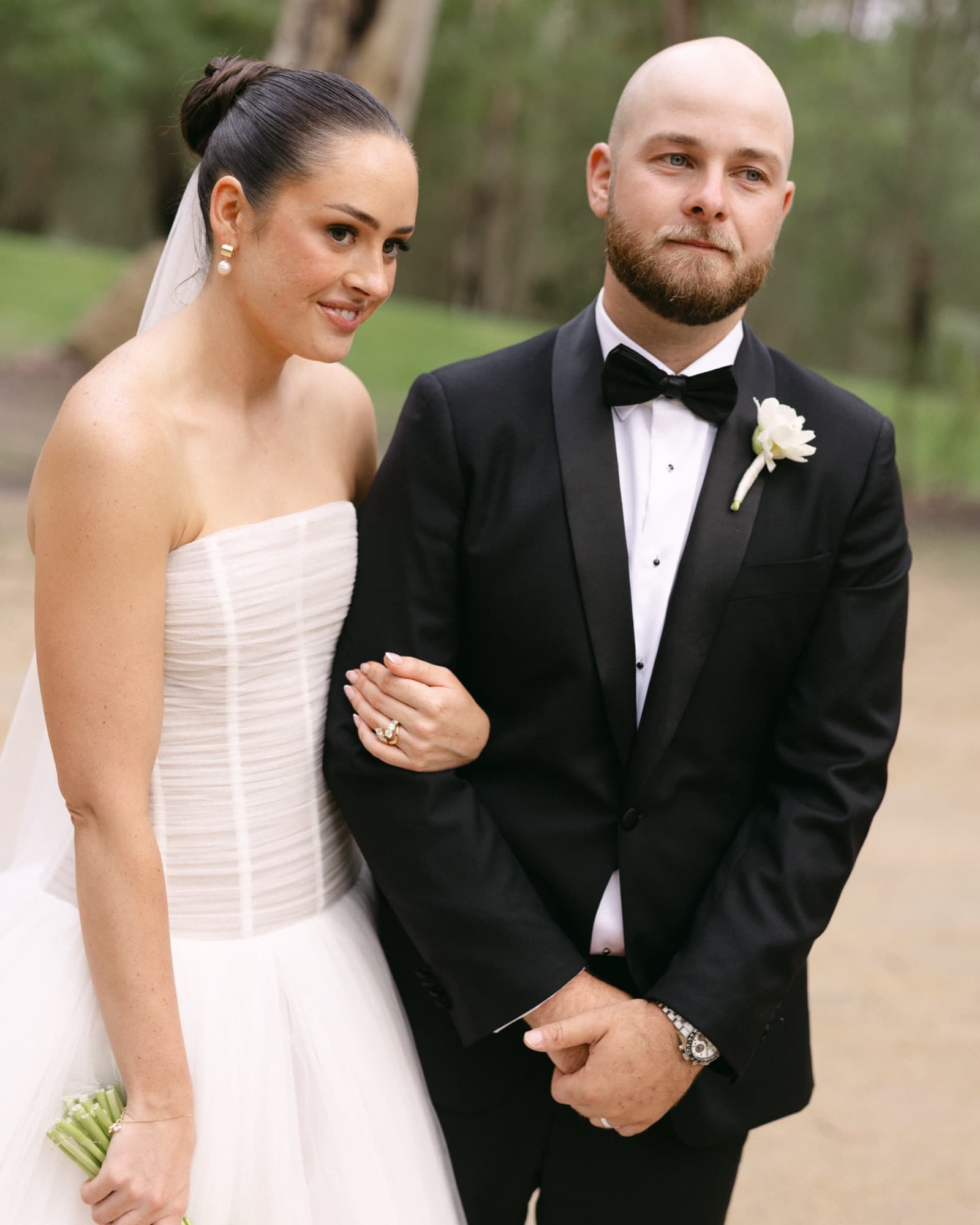
The edit that looks like you.
You build your personal editing profile first, from your own past work. Then every job, starting with your very first wedding, is graded to match your specific style, tuned to your tones, your contrast, and your instincts. Signature Selects presets are coming later.
To build your profile, supply 3,000 colour-edited images from your past weddings, with your finished Lightroom catalogs. However many weddings that takes is up to you: three or four is typical. We use these to train our editing system on your work. Once it’s built, the results get more accurate with every job.
Set up your profileWe stand behind every edit.
If your delivery doesn’t match your style brief, get in touch and we’ll revise it. Our goal is for every job to feel like you edited it yourself. Most photographers find the personal profile makes a significant difference from the first job, and it only improves from there.
About the process.
Ready to try it?
Your first wedding is 30% off with the code SELECTS30. Set up your profile, submit your wedding, and see it come back looking like you edited it.
Get your first wedding 30% off